 Floorprint
A private floor planner that works offline
Floorprint keeps your plans on your own device. There is no sign up and nothing is uploaded, so a house plan stays between you and the people you choose to share it with.
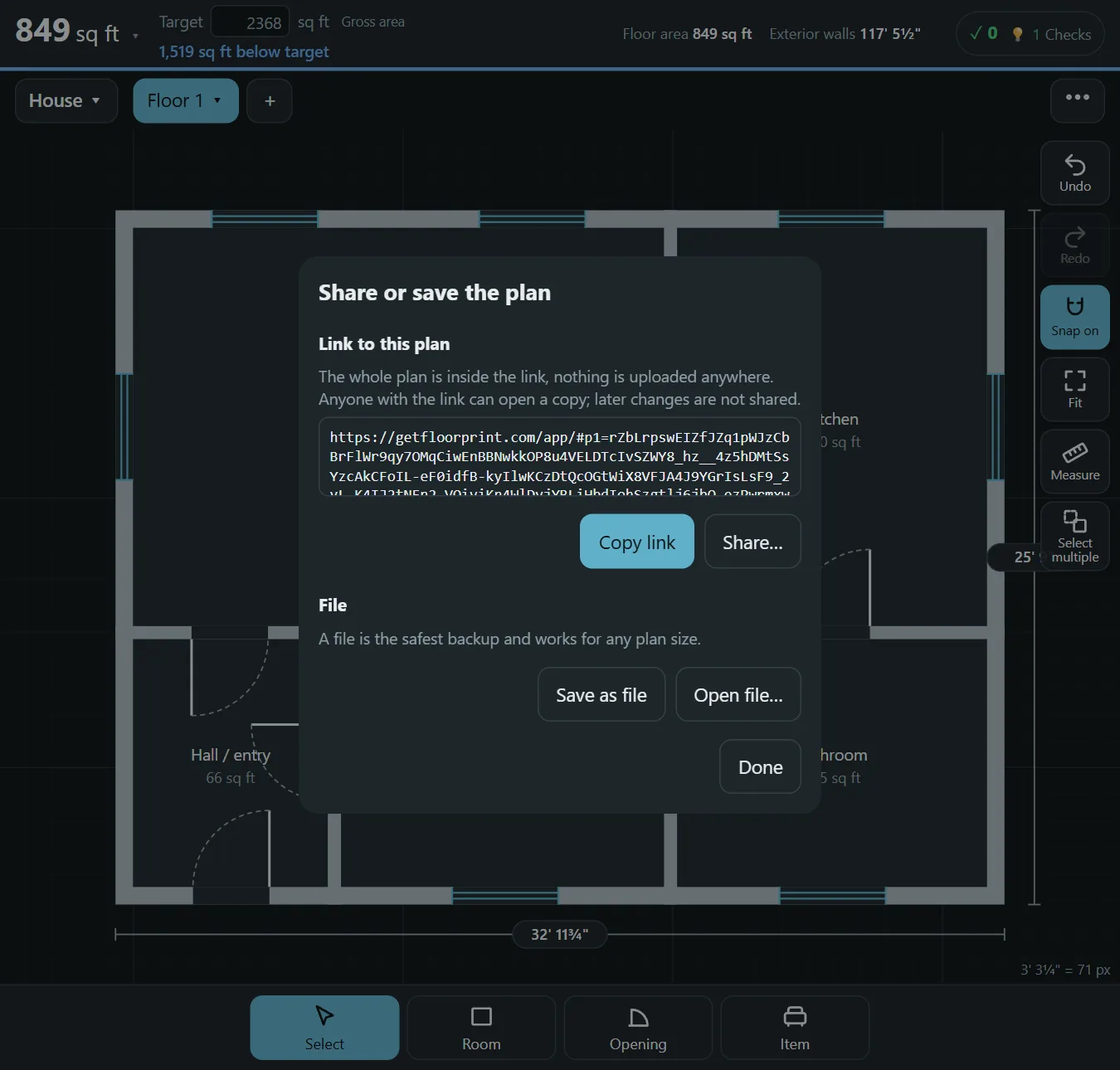
Where your plans are stored
Plans, floor pictures and settings are saved in your browser on your device as you work. They are not sent to us. That is the reason there is no account, and also the reason to keep a backup: if you clear your browser data, the saved plans go with it. Some browsers, such as Safari, can also clear data from sites you have not visited for a while, so a backup file matters more there.
Working without a connection
- Open the planner once while you are online. It loads everything it needs.
- Install it on your phone, tablet or computer if you want it on your home screen or desktop. Your browser offers this in its menu.
- After that you can open it and keep drawing with no connection at all.
Sharing without uploading
A share link contains the plan itself in the part of the address after the # sign. Browsers do not send that part to servers, but anyone who has the link can read the plan, so share it only with people you trust. You can also save a file and send that. To move a plan to another device, save a file or send a link from one and open it on the other; plans do not sync between devices yet.
Questions
What happens if I clear my browser data?
The saved plans are removed with it, so save a backup file from time to time (menu, Plans).
Can I use it on two devices?
Not automatically yet. Save a file or send a link from one device and open it on the other.
Is anything sent to a server?
Not your plans. See the privacy page for what the website itself collects.
Do I need to be online to print?
No. Printing and saving a PDF happen on your device.
Start drawing
No account and nothing to install. Open the planner and draw your first room.