 Floorprint
Room layout planner: draw the room and try the furniture
Before you move a sofa or order a bed, draw the room. Floorprint lets you set the exact size of the room, place doors and windows, and try furniture in real sizes, with warnings when something blocks a door or does not fit.
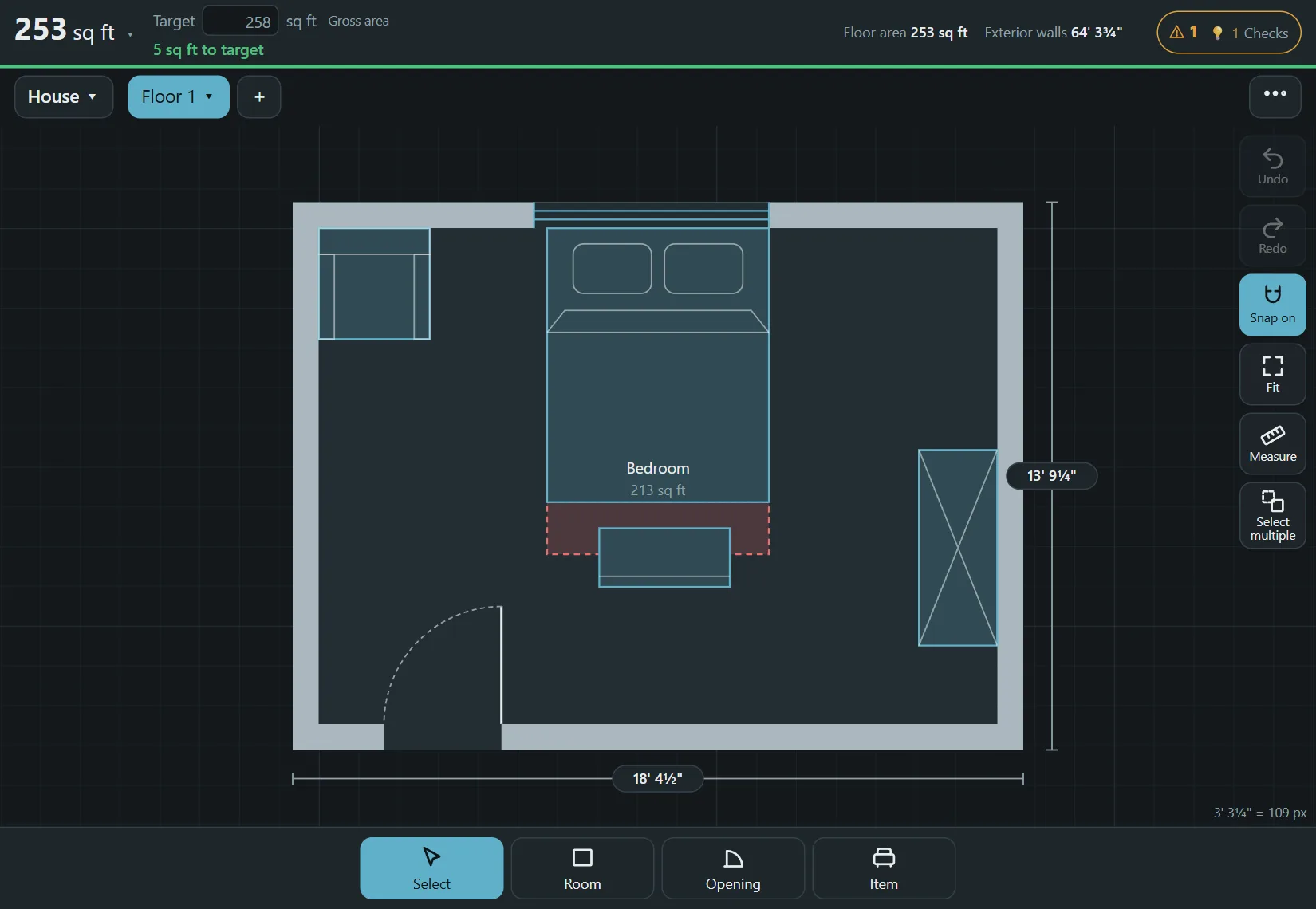
How to draw a room layout
- Measure the room first (see below), then choose Room and drag a rectangle. Tap a length and type the exact size.
- Choose Opening and add the doors and windows. A door shows the way it swings, so you can see what it sweeps across.
- Choose Item and add furniture and appliances. Each item has a real size, and you can turn it and move it.
- Look at the Checks button: it lists things such as a door that is blocked, items that overlap, or too little space around an item.
How to measure a room
Measure each wall along the floor with a tape measure or a laser measure and write the numbers down. Measure the two diagonals as well: if they are equal, the room is square, and if not, you know which way to skew the drawing. Then note where each door and window starts, how wide it is, and how far it is from the nearest corner. Include the radiators, built-in cupboards and anything else that sticks out from a wall, because that is what usually decides whether a piece of furniture fits.
Try a few layouts
Copy the plan and move things around in the copy. You can keep the version you like and compare the two. For a single room that is often enough; when you also plan other rooms, add them next to it and see the area of each.
Questions
How do I draw a room layout?
Draw the room with its real size, add doors and windows, then place furniture of real sizes. The steps above take a few minutes for one room.
Can I plan just one room?
Yes. Draw only that room. You can add more rooms or floors later.
Are the furniture sizes real?
Yes, items come in typical real sizes, and you can change a size to match what you plan to buy.
Can I print the layout?
Yes, as a PDF or on paper, to scale.
Start drawing
No account and nothing to install. Open the planner and draw your first room.