 Floorprint
A floor plan app for iPad, Android tablets and phones
Floorprint works on touch screens as well as with a mouse. Open it in the browser on an iPad, an Android tablet or a phone, draw with your finger or a stylus, and install it so it opens like any other app.
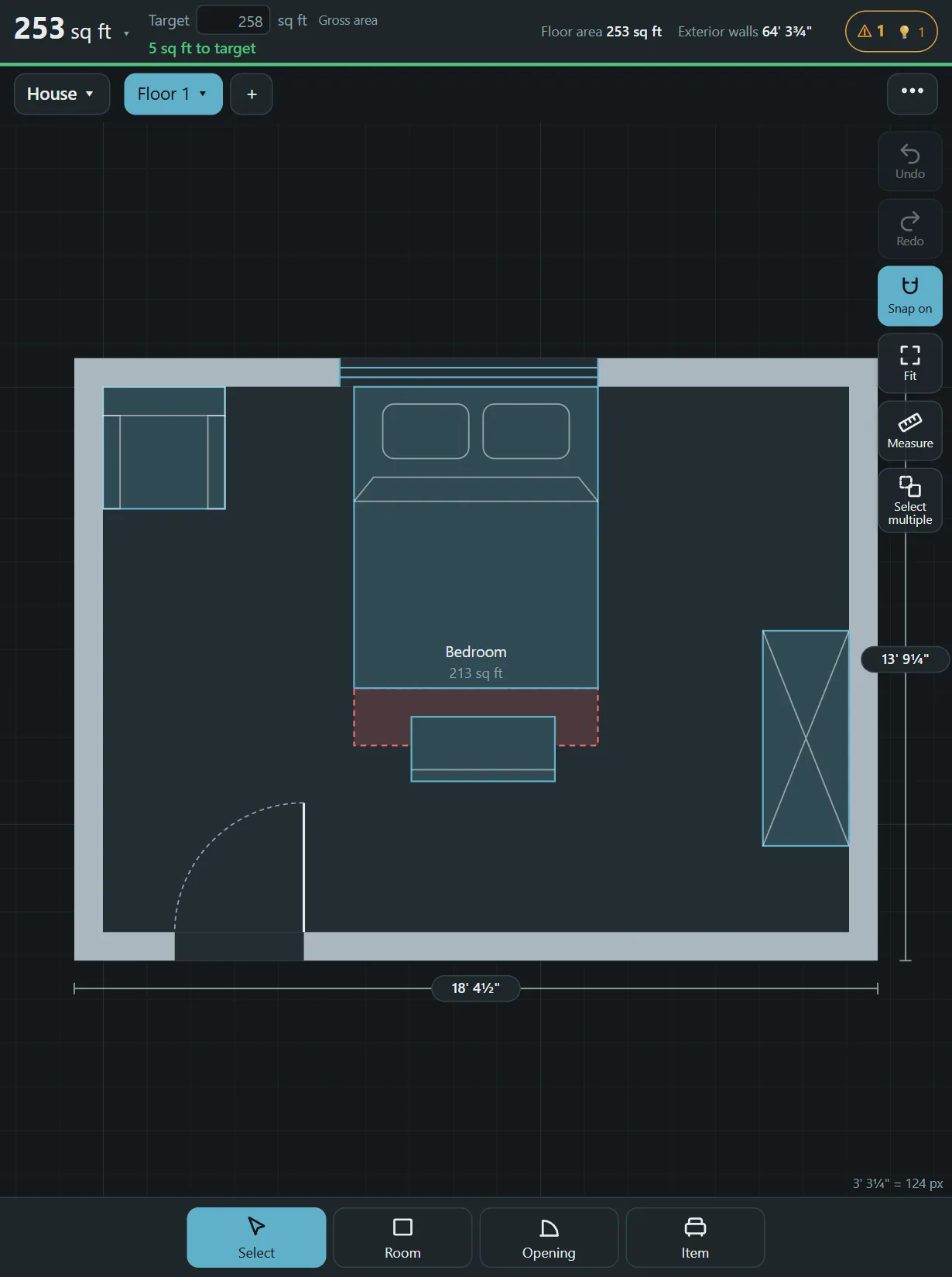
Made for touch
Choose Room and drag a rectangle with your finger, or tap the corners one by one. Pinch or scroll to zoom, and press Fit to see the whole plan again. The Measure tool gives you the distance between two points, and snapping keeps walls straight and rooms square. Buttons are sized for fingers, not for a mouse pointer.
Install it on your device
- On an iPad or iPhone, open Floorprint in Safari, tap the Share button and choose Add to Home Screen.
- On an Android device, open it in Chrome and choose Install app from the menu.
- Open it from the new icon. It starts straight in the editor and works without a connection after the first visit.
Use it while you measure
A tablet is a good companion on site. Draw the room while you stand in it, type the lengths as you measure, and check the area on the spot. When you get home, print or save a PDF, or send the plan as a link or a file to someone else. Plans are stored on the device, so save a backup file before you clear your browser or change tablets.
Questions
Do I need an app store?
No. It runs in the browser, and installing it only adds an icon to your home screen.
Does it work on a phone?
Yes. The screen is smaller, but all the tools are there.
Does it work with a stylus?
Yes, a stylus behaves like a finger.
Does it work offline?
Yes, after you have opened it once while online.
Start drawing
No account and nothing to install. Open the planner and draw your first room.