 Floorprint
Will my furniture fit? Plan a move on a floor plan
The best time to find out that the sofa does not fit is before moving day. Measure the new rooms, draw them to scale, drop in your furniture at its real size, and see what fits, what blocks a door and where you will have to leave something behind.
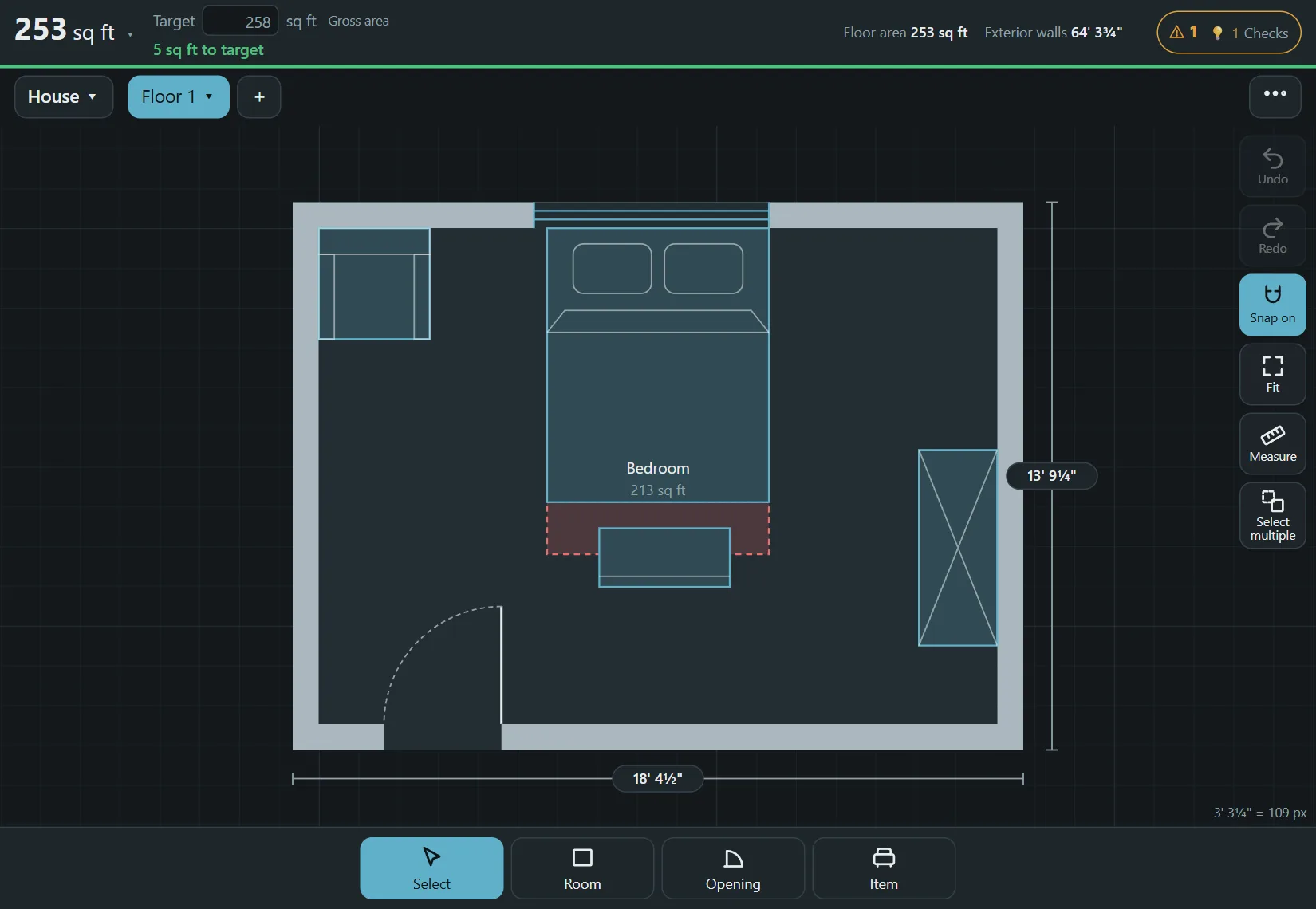
How to check your furniture before you move
- Measure each room of the new place, plus the doors, windows, radiators and any built-ins. See how to measure and draw. Ask the landlord or the agent for a plan if you cannot visit.
- Draw the rooms in Floorprint and type the exact lengths.
- Add your furniture with Item and change the sizes to match yours. Measure your own sofa, bed and wardrobe first.
- Look at the door swings and the Checks list for blocked doors, overlaps and tight spots.
- Try a few arrangements by copying the plan, as described in the room layout guide.
- Print the plan to scale and bring it on moving day.
Do not forget the way in
A sofa that fits the room may not fit the front door, the stairs or the elevator. Measure the width of the doors, the stairwell, the turns and the elevator, and compare them with your largest items. The planner shows the room, not the way in.
Leave some space to live
Leave room to walk around a bed, open a wardrobe and pull out a drawer. The warnings in the app are a prompt to look again, not a rule, so judge the space for yourself.
Questions
Can I use it for an apartment?
Yes. Draw the rooms of the apartment, or only the ones you care about.
Are the furniture sizes real?
Items come in typical sizes, and you can change each one to match what you own.
Can I use it on my phone while I measure?
Yes. See the tablet and phone guide.
Is it free?
Yes, with no account and no watermark.
Start drawing
No account and nothing to install. Open the planner and draw your first room.